Mac App Storeで提供中

Macのストレージを、
すっきり。

OptiClear は Mac を正確にスキャン、分析、クリーニングします。
容量を取り戻し、プライバシーを監査し、常に主導権を保てます。

無料でダウンロード 詳しく見る

macOS 14.0+ · オプションのPro付き無料

OptiClear - Clean your Mac storage with duplicate file and photo cleanup | Product Hunt
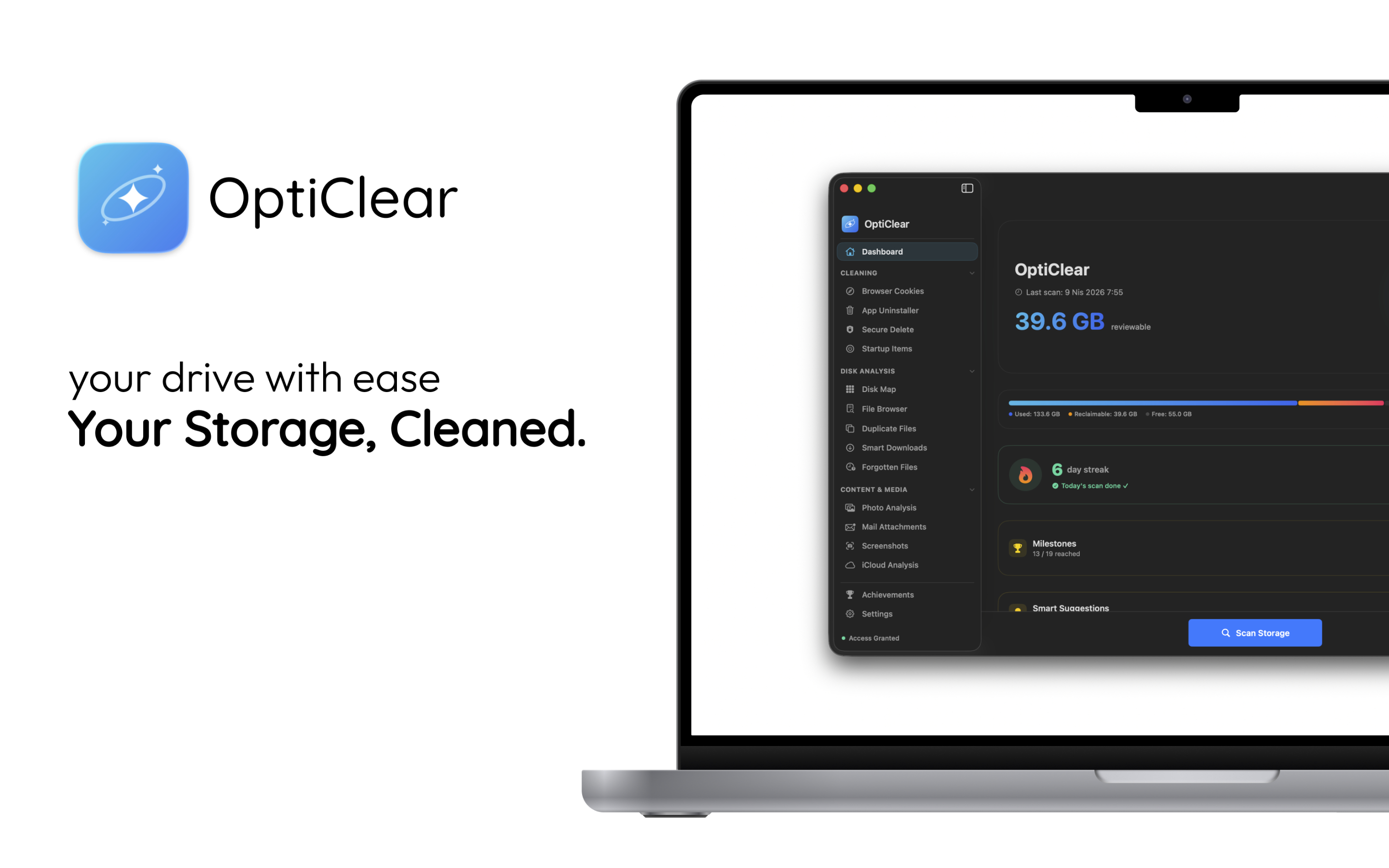
OptiClear Dashboard — 39.6 GB reviewable
40+ GB
Average Reclaimed
15+
Scan Categories
25+
Permissions Audited
100%
Safe & Transparent
Browser Cookies App Uninstaller Secure Delete Disk Map Duplicate Files Smart Downloads Photo Analysis Mail Attachments iCloud Analysis Privacy Auditor Developer Tools Crash Logs Launch Agents System Monitor Browser Cookies App Uninstaller Secure Delete Disk Map Duplicate Files Smart Downloads Photo Analysis Mail Attachments iCloud Analysis Privacy Auditor Developer Tools Crash Logs Launch Agents System Monitor

Powerful features, zero complexity.

Every tool you need to keep your Mac running like new.

System Analysis

Deep System Analysis.

Safely review what’s eating your storage. OptiClear categorizes files, separates low-risk from items that need review, and gives smart recommendations.
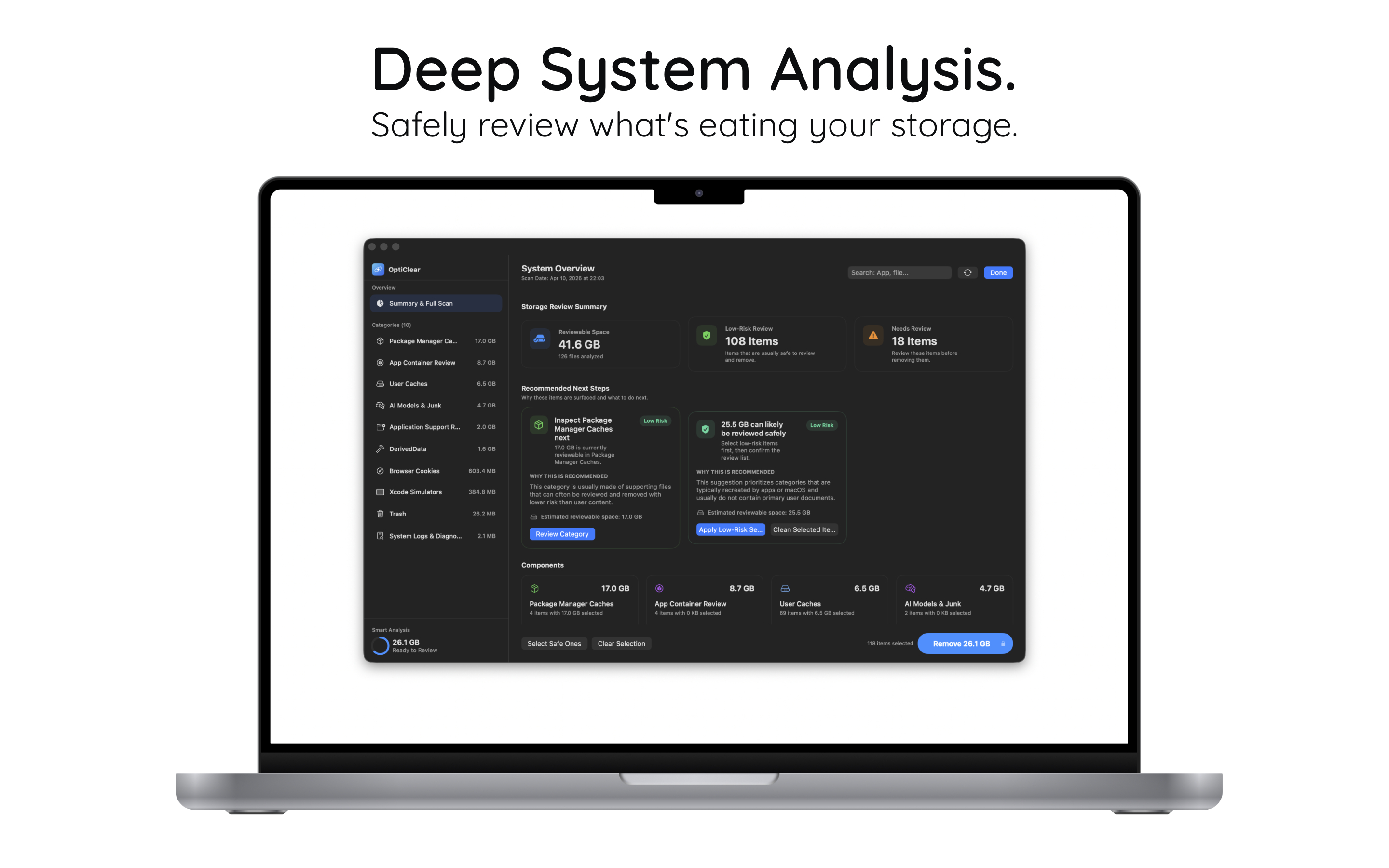
  • 41.6 GB reviewable across 10 categories
  • 108 low-risk items safe to remove
  • Smart recommendations that explain why
Deep System Analysis
Privacy

Take Back Control.

Instantly see which apps access your camera, mic, and disk. Surface hidden permissions and risk levels so you’re always in charge.
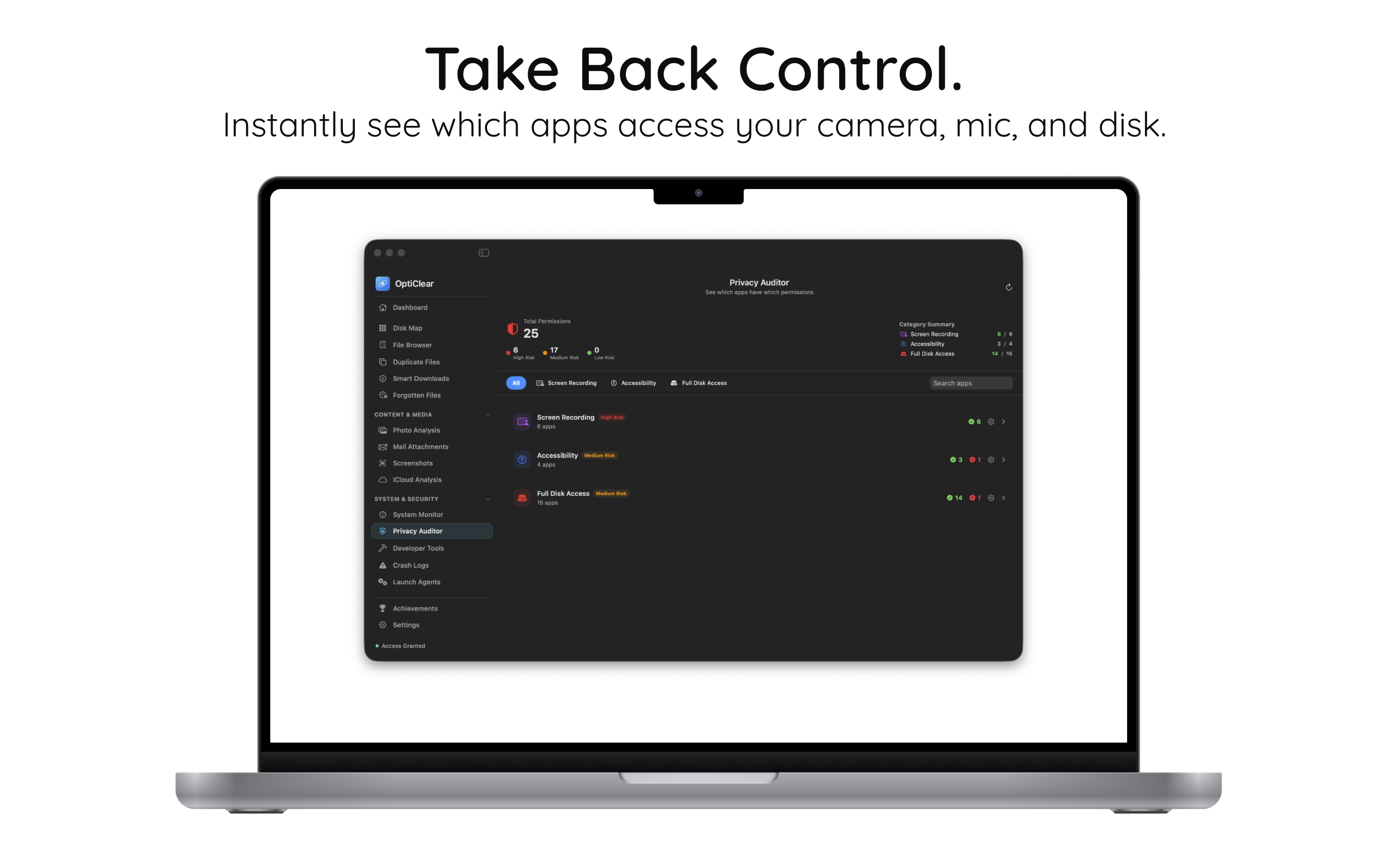
  • 25 permission types audited at a glance
  • Risk-level badges: High, Medium, Low
  • Screen Recording, Accessibility, Full Disk
Privacy Auditor
Developer

Built for Developers.

Reclaim GBs from Xcode, Docker, and simulator caches. Review DerivedData, runtimes, and package caches in one clean interface.
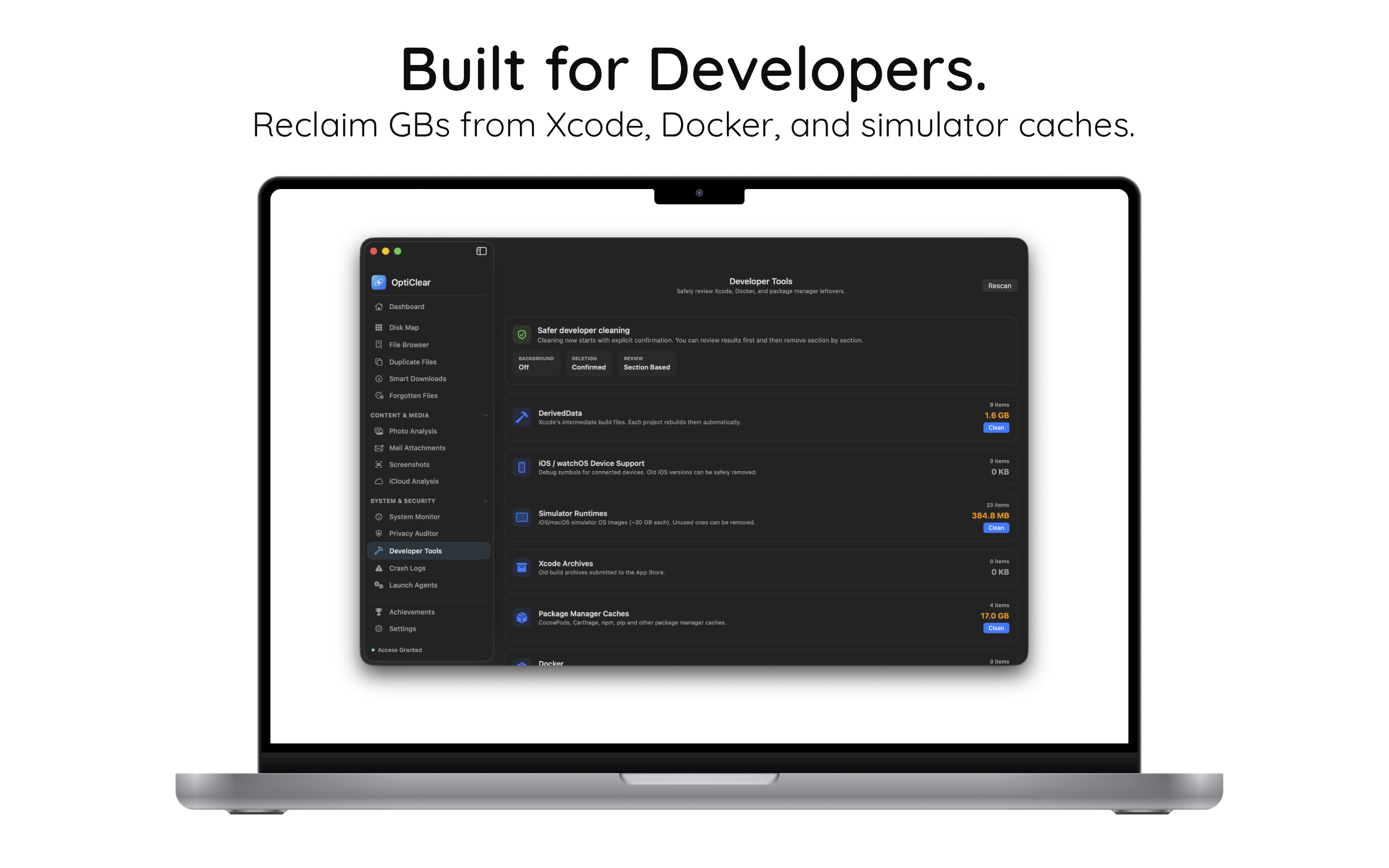
  • DerivedData, Simulators, Xcode Archives
  • CocoaPods, npm, pip caches (17 GB+)
  • Safer cleaning with explicit confirmation
Developer Tools
Photos

Organize Your Memories.

Find and remove duplicate or similar photos effortlessly. Spot low-quality images, screenshots, and near-identical shots.
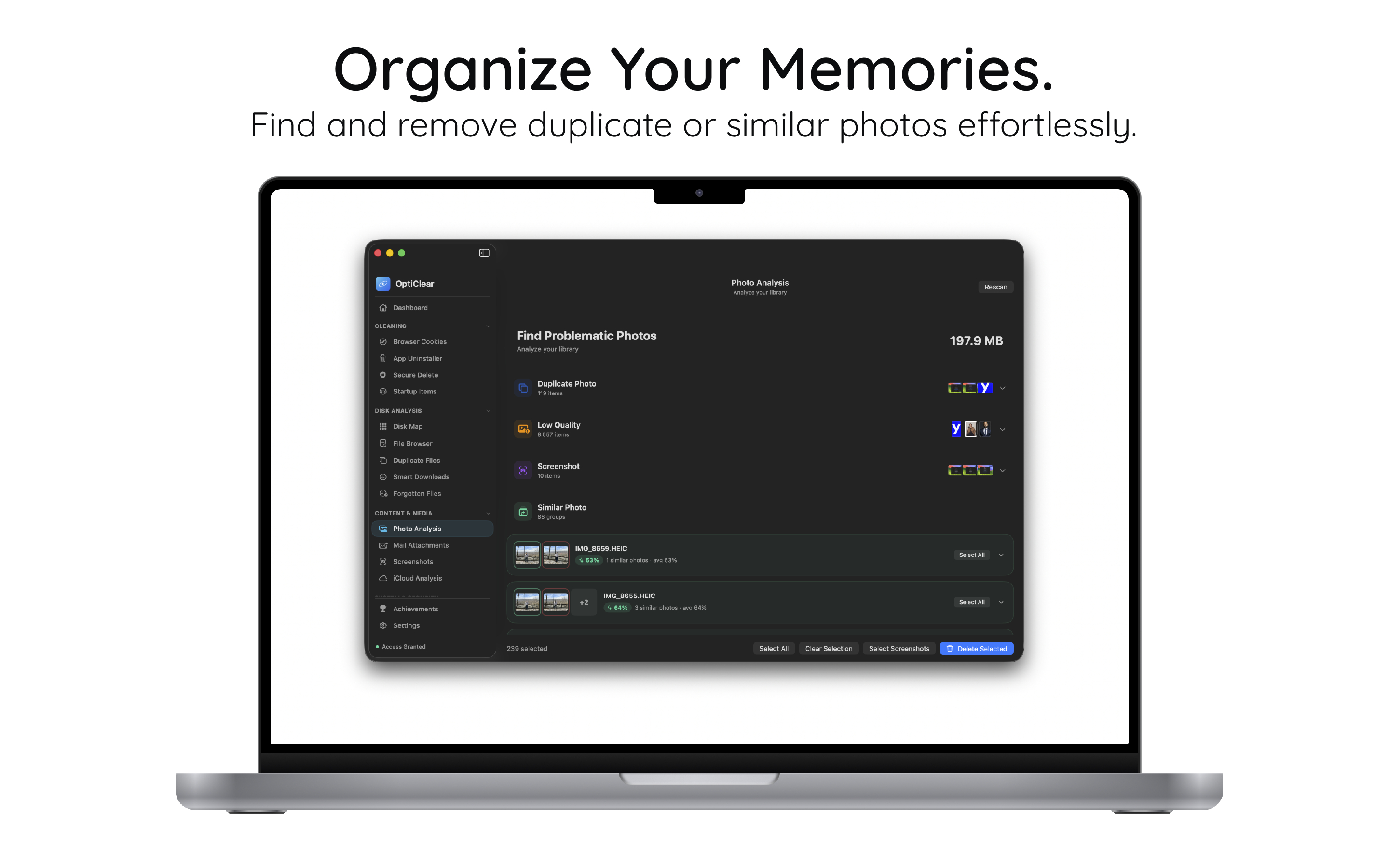
  • Duplicate, low-quality, screenshot detection
  • Similar photo grouping with preview
  • Bulk select & clean with one click
Photo Analysis

1分以内で 始められます。

設定は不要です。インストールして、スキャンして、容量を回復。

1

インストール

Mac App Store から OptiClear を無料でダウンロード。

2

スキャン

ストレージ、キャッシュ、重複、プライバシーを含むフルスキャンを実行。

3

クリーン

推奨項目を確認して、安全に容量を取り戻します。

シンプルで、 正直な価格設定。

ずっと無料で開始。必要になったらアップグレード。

無料
$0
ずっと無料
  • Dashboard & Overview
  • Browser Cookie Cleaning
  • System Monitor
  • Disk Map & File Browser
無料で始める

Macの容量を 取り戻しませんか?

ドライブをクリーン、高速、そして安全に保つために OptiClear を選ぶ Mac ユーザーに加わりましょう。

Mac App Store でダウンロード